AI for Beginners
Which AI Tool Should You Start With? A Beginner's Guide for Small Business Owners
By Lisa Monks ·
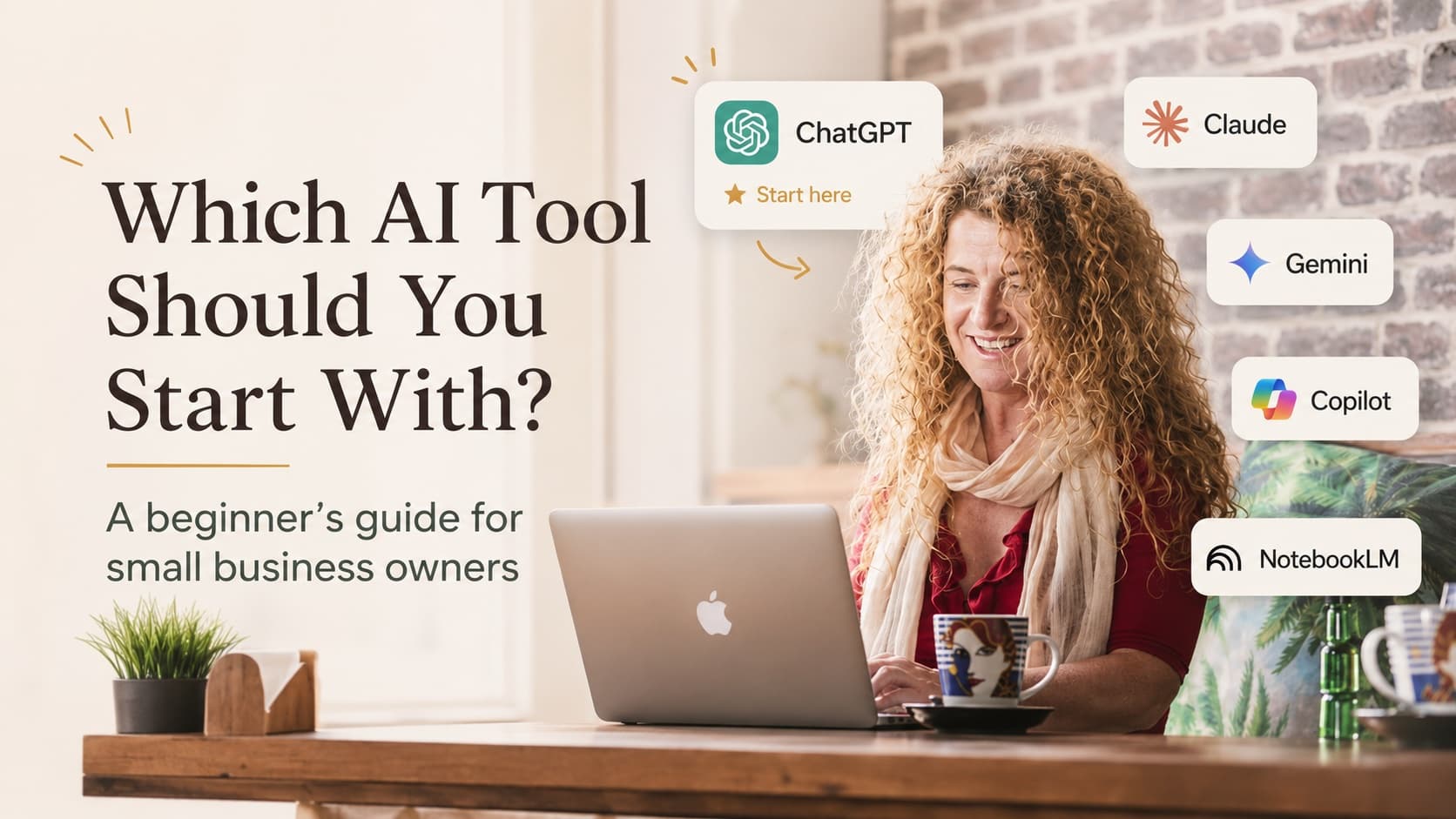
If I had a dollar for every time someone asked me this at an event, in a training session or over coffee, I could shout the whole room.
And I get it.
ChatGPT, Claude, Gemini, Copilot, NotebookLM… the names alone are enough to make you close the laptop and go and do the ironing instead.
So here's my honest answer.
Start with one tool. Just one.
The biggest mistake I see small business owners make isn't picking the wrong tool.
It's trying to learn five at once, getting overwhelmed, and giving up on all of them.
You don't need ten AI tools.
You need one that you actually open.
For most people, start with ChatGPT
For most beginners, ChatGPT is still the easiest place to start.
Not because it's magic, and not because the other tools are bad.
It's a good starting point because it works like a conversation. You type what you need in ordinary English, the same way you'd explain it to a helpful assistant, and it responds.
You can use it for simple, everyday business jobs like:
Write a friendly reminder email to a client about an overdue invoice.
Give me ten post ideas for my café's quiet winter season.
Help me turn these rough notes into a clearer plan.
Summarise this document into five dot points.
Nothing technical.
No huge setup.
Just a safe place to start practising how to ask better questions and give better instructions.
And that's the real skill.
But the best tool depends on the job
This is where people get stuck.
They ask, "Which AI tool is best?" when the better question is:
What do I actually want help with?
If you need a general assistant for ideas, drafts, planning and everyday business thinking, start with ChatGPT.
If you already live inside Google Workspace and want help across Docs, Gmail and other Google tools, Gemini may make sense.
If your business runs on Microsoft Word, Outlook, Teams and Excel, Copilot may become useful for the way you already work.
If you want to work with your own information, documents, procedures, notes or research, that's where NotebookLM becomes really interesting.
And if you like writing longer pieces, comparing ideas or working through more thoughtful drafts, Claude is worth a look. It's one I use in my own business.
But please don't try to learn all of them in the same week.
That's how people end up overwhelmed.
When you're ready for step two: NotebookLM
Once you're comfortable having a conversation with AI, NotebookLM is the tool I probably rave about the most.
Why?
Because it works with your information.
You can give it your documents, procedures, price lists, research, meeting notes or training material, and then ask questions about what's inside those sources.
For a small business sitting on years of documents, it can be a quiet little superpower.
It's also a good reminder that AI isn't just about writing captions.
It can help you make sense of information, organise knowledge, find patterns, prepare training material, answer questions from your own documents and stop wasting time searching for things you know you already have somewhere.
The rule that matters more than the tool
Whichever tool you pick, the skill that makes AI useful is the same:
Be clear about what you're asking for.
Give it context.
Tell it who the audience is.
Tell it what you're trying to achieve.
Tell it what tone you want.
Tell it what you already know.
Tell it what you don't want.
I often say to treat AI like a very capable new staff member on their first day.
They might be bright.
They might be fast.
They might be able to help with a lot.
But they don't know your business, your customers, your standards or your judgement until you give them the right context.
That's why the human stays in the loop.
AI should support your thinking, not replace it.
My plain-English advice
Start with ChatGPT if you're brand new.
Use it for real tasks, not party tricks.
Practise giving it context.
Notice what works and what doesn't.
Then, once you feel more confident, explore tools like NotebookLM, Gemini, Copilot or Claude based on the work you actually need help with.
The goal isn't to become an AI expert overnight.
The goal is to get comfortable enough to see where AI fits in your business, where it can save you time, and where your own voice, judgement and customer relationships still matter.
Feeling behind on all of this?
You're not.
Most people are still at the "I know I should probably look at this, but I don't know where to start" stage.
That's exactly why I'm building beginner-friendly AI training and workshops for small business owners.
If you'd like help making sense of AI with your own business in mind, register your interest and I'll let you know when the next session is ready.